
User manual for Brother PJ-722/PJ-723/PJ-762/PJ-763/PJ-763MFi/PJ-773 portable printers, covering buttons, battery, power, connections, printing, and paper jams.
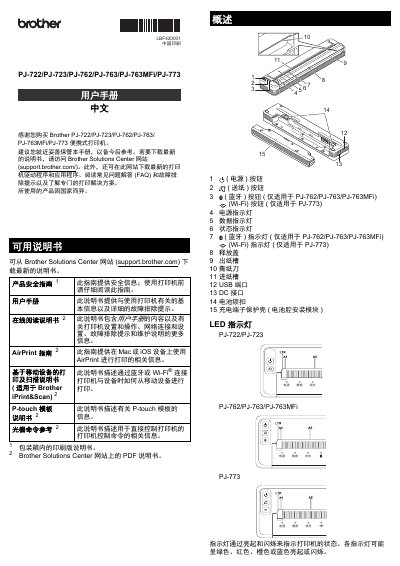
This user manual covers the Brother PJ-722/PJ-723/PJ-762/PJ-763/PJ-763MFi/PJ-773 portable printers. It describes the printer buttons and indicators, lithium-ion battery installation and charging, AC and DC power connections, and connections to computers or mobile devices via USB, Bluetooth, or Wi-Fi.
The manual also explains loading paper, printing, clearing paper jams, and installing printer drivers and applications. Updated manuals, drivers, applications, FAQs, and troubleshooting tips are available from the Brother Solutions Center website. This manual is written in Chinese.
| AC input voltage and frequency | 100 - 240 VAC, 50 - 60 Hz |
|---|---|
| Maximum DC voltage | 12 V DC |
| Battery charging time | Up to 3 hours |
Press and hold the Power button for about one second until the Power indicator lights up.
It takes up to three hours to fully charge the lithium-ion rechargeable battery.
About 600 pages can be printed after the battery is fully charged.