
This quick installation guide covers setting up the Brother MFC-T800W multifunction device, including connecting power and phone lines, filling ink tanks…
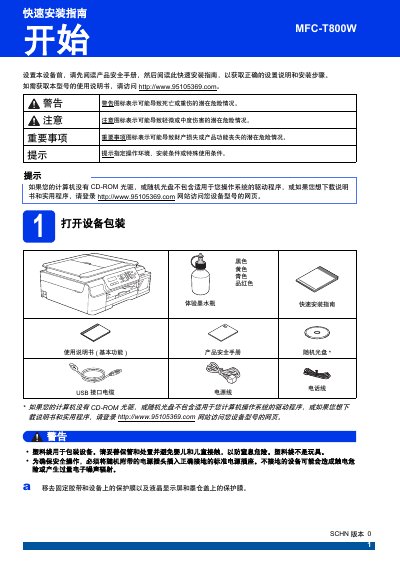
This document provides a step-by-step quick installation guide for the Brother MFC-T800W multifunction device. It covers essential setup procedures such as removing packaging materials, connecting power and telephone lines, and preparing the scanner cover.
The guide details how to fill the ink tanks with genuine Brother ink, load A4 paper correctly, and check print quality. It also includes instructions for setting the date and time, selecting the language, choosing a reception mode, entering personal identification information, and configuring audio or pulse dialing modes. This manual is written in Chinese.
Brother recommends using genuine Brother ink to achieve the best results and avoid product damage not covered by warranty.
The process of preparing the ink tube system for printing takes approximately seven minutes.