
Brother MFC-L8650CDW Multifunction Printer User Manual

This manual covers the basic functions, operation guide, settings, maintenance, and troubleshooting for the Brother MFC-L8650CDW multifunction printer.
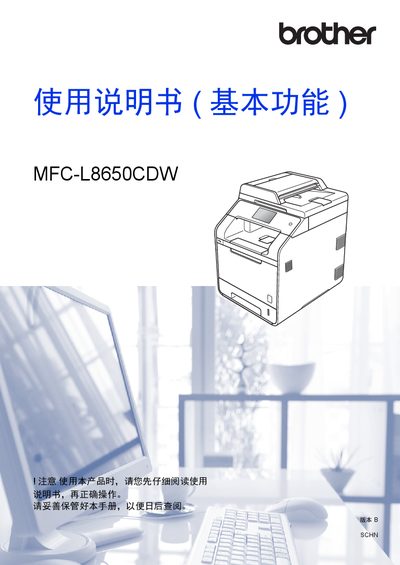

Brother MFC-L8650CDW Multifunction Printer User Manual - cover page
Brand
Brother
Category
Printer
Document type
User Manual
Language
Chinese
Pages
290
File format
PDF
File size
24.2 MB
Published
13 October, 2026
Updated
13 October, 2026
MD5 checksum
10C2CCE02C909CDB07BC4E1B5391A507

About this manual

This document serves as the User Manual for the Brother MFC-L8650CDW multifunction printer. It provides comprehensive instructions on basic operations including faxing, copying, scanning, and direct printing from USB devices. The guide also details how to set up the device, manage network connections, and use various software utilities like ControlCenter4. This manual is written in Chinese.

What's inside

  • Conventional Information
  • Operation Panel Overview
  • Loading Paper
  • Loading Originals
  • Sending Faxes
  • Receiving Faxes
  • PC-FAX
  • Copying
  • Direct Printing
  • Daily Maintenance

Frequently asked questions

What is the maximum paper capacity of the optional low-position tray?

The optional low-position tray can hold up to 500 sheets.

What is the recommended paper weight for this printer?

The device recommends using paper with a weight of 70 to 90 grams per square meter.

Download PDF (24.2 MB)

More Brother Manuals


View all Brother manuals →