
This manual provides operating instructions for the Brother MFC-J5910DW multifunction printer, covering faxing, copying, scanning, and maintenance.
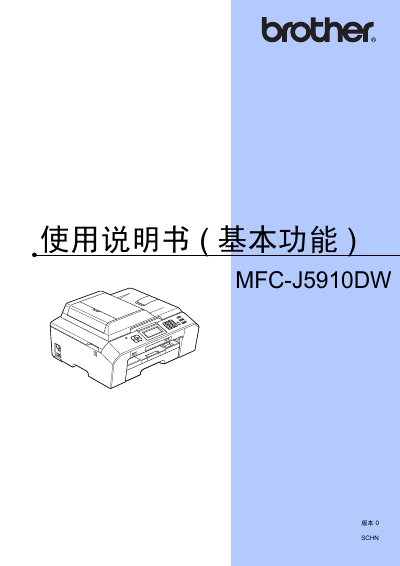
This user guide covers the basic functions of the Brother MFC-J5910DW multifunction printer. It includes detailed instructions on using the control panel to send and receive faxes, make copies, scan documents to a computer or memory card, and print photos from storage media.
The document also provides guidance on daily maintenance tasks such as replacing ink cartridges and cleaning the scanner glass and print head. Additionally, it offers troubleshooting tips for common issues like paper jams and error messages. This manual is written in Chinese.
| Printer Type | Inkjet Printer |
|---|---|
| Memory Capacity | 64 MB |
| LCD Screen Size | 1.9 inch (49.0 mm) |
| Power Supply | AC 220 ~ 240 V 50/60 Hz |
| ADF Capacity | Up to 35 sheets |
The device supports plain paper, inkjet photo paper (coated), photo paper, transparency film, and envelopes.
Refer to section A 'Daily Maintenance' on page 60 for instructions on replacing ink cartridges.