
This document provides simple daily operation instructions for the Brother MFC-J3930DW all-in-one printer, including printing, scanning, copying, and faxing.
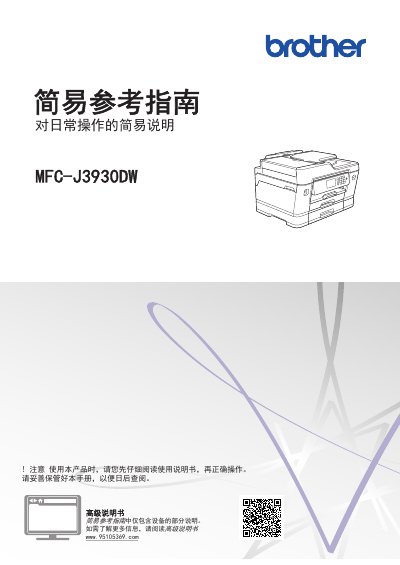
This Simple Reference Guide offers basic operating instructions for the Brother MFC-J3930DW all-in-one printer. It covers essential functions such as printing from a computer, direct printing from USB drives, scanning, copying, and sending faxes. The guide also includes basic maintenance tips and troubleshooting advice for common issues. This manual is written in Chinese.
You must turn off the power switch and then unplug the power cord from the outlet.
The manual suggests placing equipment that produces noise greater than 63dB in a separate area.
You should unplug the router's power cord, wait 10 seconds, and then plug it back in.