
Brother MFC-J2330DW Quick Installation Guide

This document provides quick installation instructions for the Brother MFC-J2330DW multifunction printer, covering setup, connections, and initial…
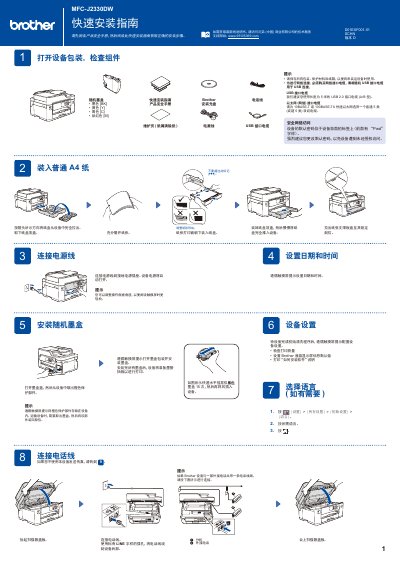

Brother MFC-J2330DW Quick Installation Guide - cover page
Brand
Brother
Category
Printer
Document type
Quick Start Guide
Language
Chinese
Pages
2
File format
PDF
File size
3.3 MB
Published
17 October, 2026
Updated
17 October, 2026
MD5 checksum
BC6E683CF1C782C91ACBAD90302EE579

About this manual

This Quick Installation Guide for the Brother MFC-J2330DW multifunction printer outlines the essential steps to set up the device. It begins with unpacking and checking components, followed by installing the toner cartridges and loading paper. The guide also details how to connect the power cord and configure the initial settings via the touchscreen. This manual is written in Chinese.

What's inside

  • Check Components
  • Install Toner Cartridges
  • Load Paper
  • Connect Power Cord
  • Set Language
  • Connect Computer
  • Wireless Setup
  • Install Software

Frequently asked questions

What USB cable length does Brother recommend for this printer?

Brother recommends using a USB 2.0 interface cable that is 5 meters long.

What type of twisted pair cable is required for the Ethernet connection?

You must use a straight-through Category 5 (or Category 5e) twisted pair cable for the network interface.

How many times should you shake the black ink cartridge before installing it?

You should quickly shake the black ink cartridge horizontally 15 times before inserting it into the device.

Download PDF (3.3 MB)

More Brother Manuals


View all Brother manuals →