
This manual covers advanced features for Brother MFC-7360, MFC-7470D, and MFC-7860DN, including security settings, fax transmission/reception, reporting…
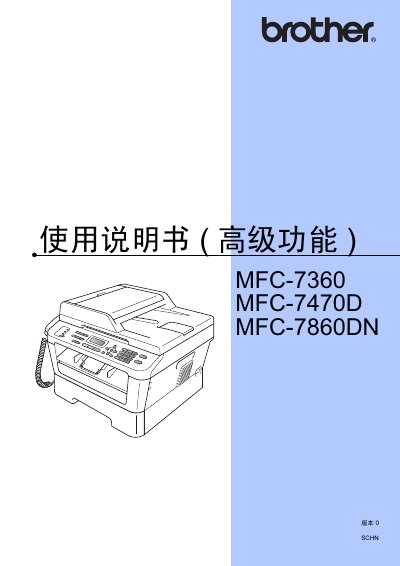
This user manual provides detailed instructions for the advanced features of the Brother MFC-7360, MFC-7470D, and MFC-7860DN multifunction devices. It covers topics such as memory storage, power saving modes, and ink toner settings. The guide also explains how to configure security functions, manage fax transmission and reception options, and perform daily maintenance tasks like cleaning and checking parts. This manual is written in Chinese.
| Memory Storage Capacity (MFC-7360) | 400 faxes |
|---|---|
| Memory Storage Capacity (MFC-7470D/MFC-7860DN) | 500 faxes |
| Power Retention (MFC-7360) | Approximately 2 hours |
| Power Retention (MFC-7470D/MFC-7860DN) | Approximately 60 hours |
If the toner runs out, the device will stop printing. If the memory is full, a new toner cartridge must be installed to continue receiving faxes.
You can set the device to sleep mode to reduce power consumption. The device will wake up when it receives data or starts any operation.
Yes, if you selected the 'Continue' setting, the device will ask if you want to print stored faxes after installing a new toner cartridge.