
The Brother HL-5340D, HL-5350DN, and HL-5370DW laser printer user manual provides setup, operation, maintenance, and troubleshooting instructions.
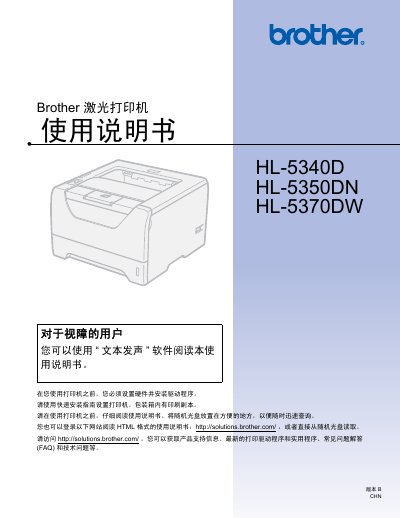
This manual guides users through installing and configuring the Brother HL-5340D, HL-5350DN, and HL-5370DW laser printers. It covers hardware setup, driver installation for Windows and Macintosh, and basic printing functions such as single‑sided, double‑sided, and booklet printing.
Additional sections detail optional accessories, regular maintenance tasks like cleaning the fuser and rollers, and a comprehensive troubleshooting guide with error codes and network troubleshooting for the network‑enabled models. Appendices provide full specifications, safety information, and links to online support resources. This manual is written in Chinese.
You can download drivers, software, and utilities from Brother's Solutions Center at http://solutions.brother.com/.
Visit http://www.brother-cn.net/ for regional office and service center contact details.