
This manual provides instructions for setting up, operating, and maintaining the Brother HL-1118 laser printer, including driver installation and…
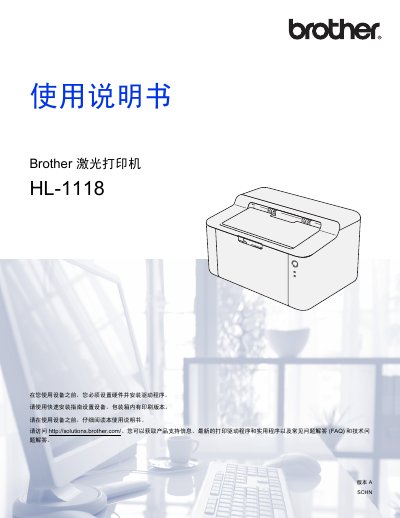
The Brother HL-1118 is an electronic photocopier laser printer designed for home or small office use. This user guide covers essential topics such as hardware setup, driver installation for Windows and Macintosh systems, and basic printing operations.
The document also details routine maintenance procedures, including how to replace consumables like the toner cartridge (TN-1035) and drum unit (DR-1035). It provides specific technical specifications regarding print speed, resolution, power consumption, and supported paper types. This manual is written in Chinese.
| Print Type | Laser |
|---|---|
| Memory Capacity (Standard) | 1 MB |
| Power Supply | 220 - 240 V AC 50/60 Hz |
| Average Power Consumption | Approx. 1,056 W (Peak) |
| Print Speed (A4) | Up to 20 ppm |
| Resolution | 600 x 600 dpi |
| First Print Time | Less than 10 seconds |
| Toner Cartridge Yield | Approx. 1,500 pages (A4) |
The printer achieves a maximum single-sided printing speed of up to 20 pages per minute for A4 size paper.
The HL-1118 has a maximum resolution of 600 x 600 dpi.
The standard toner cartridge is TN-1035, and the drum unit is DR-1035.