
Brother E-40 operation panel instruction manual covering installation, connection and use of the sewing machine control panel.
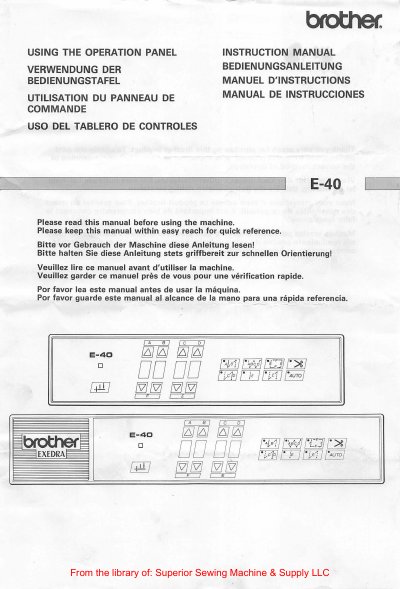
This Brother E-40 instruction manual explains how to use the operation panel for a sewing machine. It is provided in English, German, French and Spanish, and should be read before using the machine and kept within easy reach.
It covers installing options, mounting the control panel in place of panel E-0, connecting the cord to the control box, and installing the operation box to the machine head arm bed with the supplied screws.
Read this manual before using the machine and keep it within easy reach for quick reference.
Wait at least 10 minutes after turning off the power before opening the face plate.
It can be turned upside down and used as an accessory box, secured to the right edge of the work table with screws.