
Brother DCP-T520W/DCP-T720DW/DCP-T725DW/DCP-T820DW/MFC-T920DW User's Guide

This manual provides operating instructions for Brother inkjet all-in-one printers, covering printing, scanning, copying, faxing, and network setup.
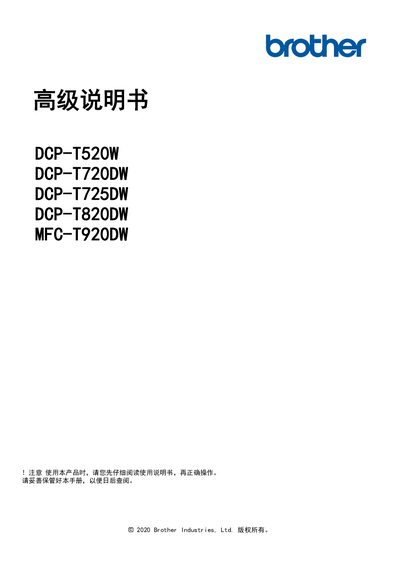

Brother DCP-T520W/DCP-T720DW/DCP-T725DW/DCP-T820DW/MFC-T920DW User's Guide - cover page
Brand
Brother
Category
Printer
Document type
User Manual
Language
Chinese
Pages
458
File format
PDF
File size
11.8 MB
Published
13 October, 2026
Updated
13 October, 2026
MD5 checksum
88AB5275698B911F194076DB38A8E7BC

About this manual

This user guide covers the operation of Brother DCP-T520W, DCP-T720DW, DCP-T725DW, DCP-T820DW, and MFC-T920DW all-in-one printers. It includes instructions for using the control panel, loading paper and originals, and performing print, scan, copy, and fax functions. This manual is written in Chinese.

What's inside

  • Using Before Using This Device
  • Control Panel Overview
  • Loading Paper
  • Printing Documents
  • Scanning Photos and Images
  • Copying Documents
  • Sending Faxes
  • Network Setup
  • Troubleshooting
  • Daily Maintenance

Specifications

Product SeriesDCP/MFC Series

Frequently asked questions

What happens if I turn on the Real-time transmission option when sending a fax?

The device will send the fax immediately without waiting to retrieve the scan from memory.

Download PDF (11.8 MB)

More Brother Manuals


View all Brother manuals →