
The Brother ADS-1600W product safety manual provides safety warnings, installation guidelines, and operating precautions for the scanner.
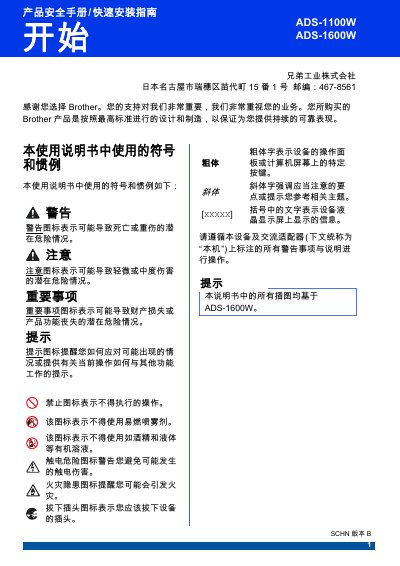
This manual outlines the safety requirements for the Brother ADS-1600W scanner, including placement, ventilation, and handling instructions to prevent fire, electric shock, and damage. It details proper power connection, use of the supplied AC adapter, and cautions against using damaged cables or connecting to DC power sources.
The guide also covers optional software installation, wireless LAN specifications, scanning procedures for Windows and macOS, and warranty information. Users are instructed on how to perform test scans, maintain the device, and contact authorized service centers for repairs.
| Operating temperature range | 5 °C to 35 °C |
|---|---|
| Wireless frequency | 2.4 GHz – 2.4835 GHz |
| EIRP (max radiated power) | ≤ 100 mW |
| Maximum power spectral density | ≤ 10 dBm/MHz |
| Carrier frequency tolerance | 20 ppm |
| Maximum USB cable length | 2 m |
The device should be used in an environment where the temperature is between 5 °C and 35 °C.
No. The scanner must be connected to a grounded AC mains outlet; connecting to DC power is prohibited.
It operates on the 2.4 GHz to 2.4835 GHz band.
The USB cable length must not exceed 2 meters.