
User's manual for the Bravo Disc Publisher SE-3, covering setup, operation, maintenance, and troubleshooting for CD/DVD disc publishing.
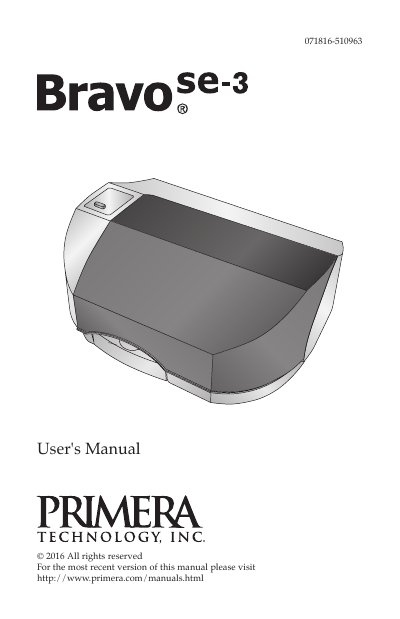
This manual guides users through setting up and operating the Bravo Disc Publisher SE-3, an automated device for duplicating and printing CDs and DVDs. It includes instructions for hardware setup, creating discs using software tools like PTPublisher, and performing maintenance tasks. The device features a robotic arm that handles disc loading, recording, and printing automatically.
The SE-3 comes in three models: AutoPrinter (print only), Disc Publisher (burns and prints CD/DVD), and Blu (burns and prints Blu-ray discs). The manual covers all models, with software automatically recognizing available media types. It also includes safety warnings, location guidelines, and troubleshooting steps for common issues.
| Media Supported | CD-R, CD-RW, DVD+/-R, DVD+/-RW, BDR, BDR-DL |
|---|---|
| Recording Time (CD) | 3 ½ minutes for 650 MB |
| Recording Time (DVD) | 7-15 minutes |
| Input Bin Capacity | Up to 20 discs |
It supports CD-R, CD-RW, DVD+/-R, DVD+/-RW, BDR, and BDR-DL discs.
It takes about 3 ½ minutes to record a full 650 MB CD.
Up to 20 blank discs can be loaded into the Input Bin.
Try re-orienting or relocating the receiving antenna, increasing separation from the receiver, or connecting the equipment to a different circuit.