
Borland Turbo Pascal 7.0 User's Guide

This manual covers the installation, IDE usage, programming features, debugging techniques, and object-oriented programming concepts for Turbo Pascal 7.0.
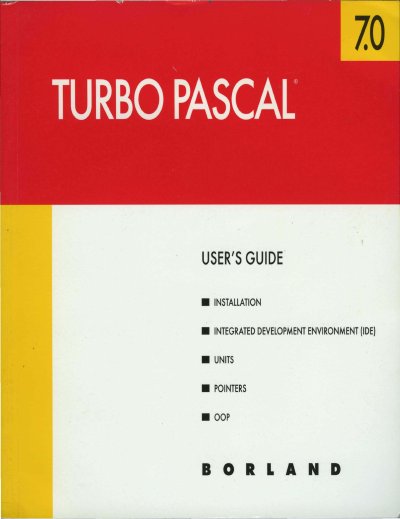

Borland Turbo Pascal 7.0 User's Guide - cover page
Brand
Borland
Category
Other software
Document type
User Manual
Language
English
Pages
188
File format
PDF
File size
6.9 MB
Published
23 October, 2026
Updated
23 October, 2026
MD5 checksum
E5AC0DF9150AD4278154B903630E3F16

About this manual

This document serves as the comprehensive user's guide for Borland Turbo Pascal 7.0. It details the installation process, the Integrated Development Environment (IDE) components, and how to configure startup options. The guide explains how to write, edit, compile, and run Pascal code within the IDE, including the use of the ObjectBrowser and Help system.

What's inside

  • Installing and running Turbo Pascal
  • Introduction to the IDE
  • Programming in the IDE
  • Debugging in the IDE
  • Turbo Pascal units
  • Using Pointers
  • Object-oriented programming

Frequently asked questions

What does the /L startup option do?

The /L startup option is used for LCD screens.

What does the /N startup option do?

The /N startup option enables snow checking for CGA monitors.

What does the /X startup option do?

The /X startup option enables expanded memory.

Download PDF (6.9 MB)

More Borland Manuals


View all Borland manuals →