
The Bluesound PULSE MINI 2i Owner's Manual covers setup, buttons, ports, LED status codes, and factory reset for the compact wireless streaming speaker.
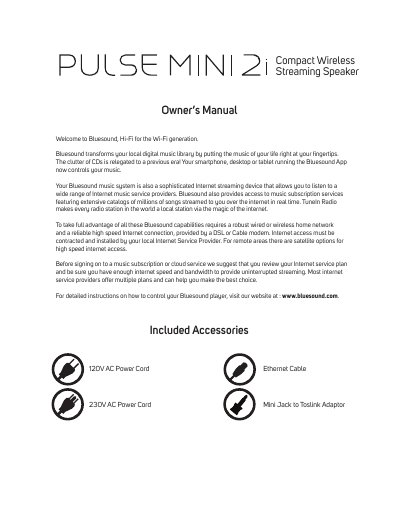
This Owner's Manual is for the Bluesound PULSE MINI 2i, a compact wireless streaming speaker that plays local digital music libraries and Internet music services through the Bluesound App. It requires a home network and high-speed Internet connection.
The manual describes the included power cords, Ethernet cable, and audio adaptors, and explains the front buttons, rear ports, LED blink codes, and factory reset procedure.
| USB file system | FAT32 formatted |
|---|---|
| Headphone jack | 3.5mm |
| LAN port | Wired Ethernet |
| Audio input cable | 3.5mm Stereo Audio Cable |
Disconnect power, wait 10 seconds, reconnect, then hold the Play/Pause button until the LED flashes red and continue holding for 30 seconds.
It means the player is connected to the network and ready to use with the Bluesound App.
Yes, compatible USB mass storage devices include portable flash memory devices and external hard drives formatted as FAT32.