
The Blink XT2 camera setup guide explains how to install the camera, connect the sync module, and add cameras using the Blink Home Monitor app.
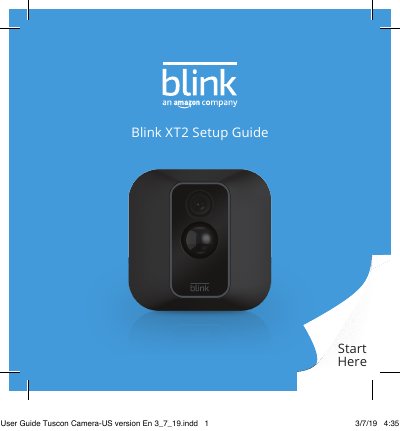
This guide provides step-by-step instructions for setting up the Blink XT2 security camera system. It covers downloading the Blink Home Monitor app, connecting the sync module to Wi-Fi, inserting batteries into the camera, and adding cameras to a new or existing system. Safety information for lithium batteries and the sync module power adapter is included, along with product specifications and compliance details.
| Camera Model Number | BCM00200U |
|---|---|
| Camera Power Supply | 2 × 1.5V AA single-use lithium metal batteries, optional USB 5V 1A external power supply |
| Camera Operating Temperature | -4 to 113 °F |
| Sync Module Model Number | BSM00203U |
| Sync Module Power Input | 100-240V 50/60 Hz 0.2A |
| Sync Module Operating Temperature | 32 to 95 °F |
| FCC Compliance Party | Amazon.com Services, Inc. |
The Blink XT2 uses two 1.5V AA single-use lithium metal batteries; rechargeable or alkaline batteries are not recommended.
The camera operates from -4 °F to 113 °F.
In the app, select “Add a Blink Device,” choose your camera, insert batteries, and follow the in-app instructions.
The model number is BCM00200U.