
This manual provides instructions for using the Bionime GE100 blood glucose monitoring system, including setup, testing procedures, and troubleshooting.
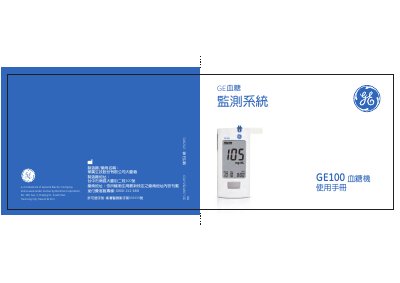
The document is a user manual for the Bionime GE100 blood glucose meter. It explains that the device must be used with specific GE100 test strips and control solution to ensure accurate results. The manual covers safety precautions, such as not using the device on newborns or for arterial blood testing.
The guide details how to prepare for testing, including proper blood sample volume (0.75 µL to 3.0 µL) and site selection (finger, palm, or arm). It provides step-by-step instructions for operating the meter, changing batteries, setting time and date, and performing quality control tests using control solution. This manual is written in Chinese.
| Battery Type | CR2032 3V |
|---|---|
| Minimum Blood Sample Volume | 0.75 µL |
| Maximum Blood Sample Volume | 3.0 µL |
| Test Strip Storage Temperature | 4-30°C |
No, the system has not been approved for use in newborn infants.
Using other test strips may lead to inaccurate measurement results.
A new CR2032 battery can perform approximately 1000 tests.