
Installation and operation guide for BERMAD’s Subtv DC Volumetric One Station Controller used in waterworks applications.
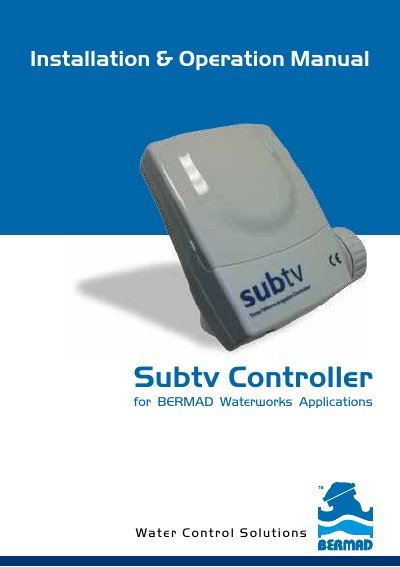
This manual provides step-by-step instructions for installing and operating the Subtv DC Volumetric One Station Controller with BERMAD control valves. It covers wiring, programming, and monitoring for applications like high/low pressure management and dead-end pipe purging. The controller features a graphical display and four-button keypad for configuration and manual operation.
The manual includes technical data for connecting DC and AC solenoids, water meters, and flow switches. Programming sections detail basic settings, pressure management, and flushing configurations. The device uses a 9V battery for power and supports both time and volumetric operation modes.
| Solenoid Type | DC latch solenoid |
|---|---|
| Power Supply | 9V alkaline battery |
| Operation Modes | Time or Volumetric |
A DC latch solenoid is required. The controller will display 'dC' to confirm this type.
Press the button to select either TIME for pressure management or VOLUME for purging applications.
The factory default is 24-hour clock mode.