
Supplement manual describing the safety fill option for Bello Zon CDVd and CDKd devices, including assembly, wiring, settings, and troubleshooting.
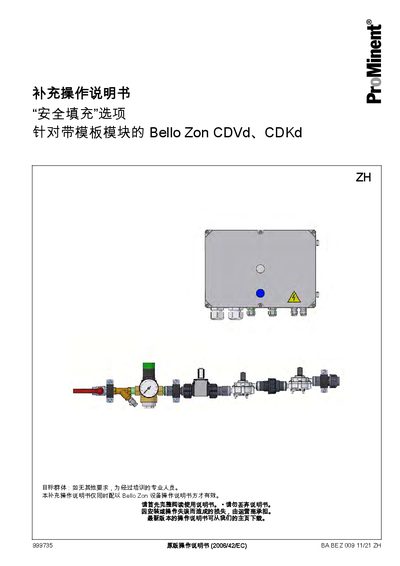
This supplement provides detailed information on the Safety Fill option for Bello Zon CDVd and CDKd equipment. It explains the function, safety limits, and how the system automatically starts or stops chlorine dioxide production based on tank level sensors.
The document covers assembly instructions, electrical installation, operation components, and configuration settings such as water‑flow limits, pulse values, and manual reset procedures. Appendices include terminal diagrams and P&IDs for reference. This manual is written in Chinese.
| Minimum water flow (CDVd) | 120 l/h |
|---|---|
| Maximum water flow (CDVd) | 1020 l/h |
| Minimum water flow (CDKd) | 150 l/h |
| Maximum water flow (CDKd) | 1020 l/h |
| Flow‑meter pulse value (CDVd 120) | 147 Imp/Vol |
| Safety monitoring minimum flow (CDVd) | 33.7 l/h |
The main controller automatically starts or stops filling based on the storage‑tank level sensor.
When the white “unlocked” indicator light is on, the safety controller has unlocked chlorine‑dioxide production.
Press the blue [RESET] key for three seconds; it will flash quickly, allowing a manual unlock for 90 seconds.