
Bella Series Serial Communication LOP installation manual covering mechanical installation, electrical connections, operation, adjustment, and firmware updates.
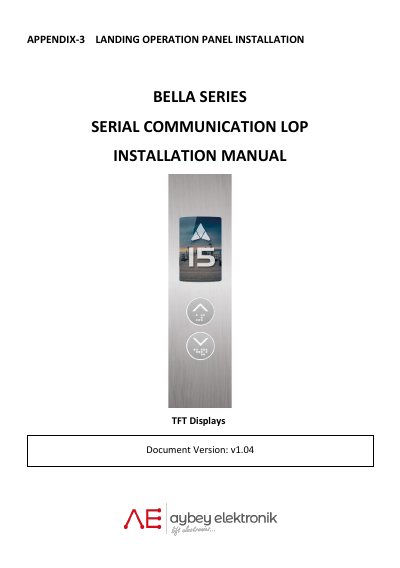
The Bella Series Serial Communication LOP is a landing operation panel with a TFT display. This installation manual provides guidance on mechanical installation, electrical connections, and operation adjustment.
It describes mounting the front panel and back box, connecting CANBUS cables, setting parameters with the UP, DOWN, and ENT buttons, updating firmware via SD card, and panel cleaning cautions.
| Display type | TFT |
|---|---|
| Programming buttons | UP, DOWN and ENT |
| Communication interface | CAN BUS |
Press the ENT button for 3 seconds.
The software is updated using an SD card.
Switch off the LOP and contact Aybey Elektronik Technical Service.
Plug a resistor terminator into the other socket to close the network.