
Operating instructions for the BAUER B-TIMER, a device that tracks compressor hours and calculates filter cartridge lifetime based on temperature and usage.
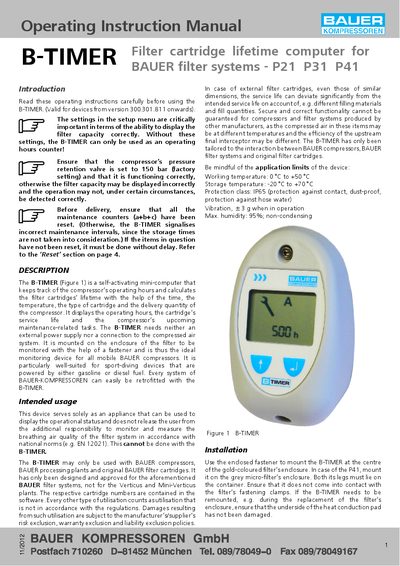
The B-TIMER is a self-activating mini-computer designed specifically for BAUER filter systems, including P21, P31, and P41 models. It monitors compressor operating hours and calculates the remaining service life of filter cartridges by analyzing time, temperature, cartridge type, and compressor delivery quantity. The device displays operating hours, cartridge saturation levels, and upcoming maintenance tasks without requiring an external power supply or connection to the compressed air system.
| Working temperature | 0 °C to +50 °C |
|---|---|
| Storage temperature | -20 °C to +70 °C |
| Protection class | IP65 |
| Vibration | ±3 g when in operation |
| Max. humidity | 95%; non-condensing |
It is designed for BAUER filter systems P21, P31, and P41, but not for Verticus and Mini-Verticus plants.
The final segment of the display starts blinking, and the operating hours switch to the cartridge's order number.
Hold the button down for more than 5 seconds when the respective display has been activated.