
Bang & Olufsen BeoPlayer and BeoPort User Guide

This guide explains how to use Bang & Olufsen BeoPlayer and BeoPort software, including controlling sources, playing music, viewing album art, accessing…
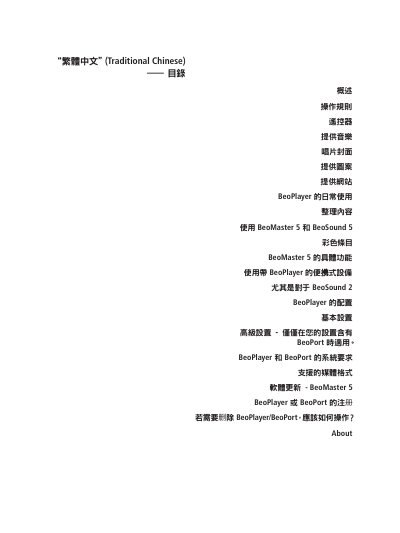

Bang & Olufsen BeoPlayer and BeoPort User Guide - cover page
Brand
Bang & Olufsen
Document type
User Manual
Language
Chinese
Pages
52
File format
PDF
File size
2.4 MB
Published
20 October, 2026
Updated
20 October, 2026
MD5 checksum
D98C2981034EF8068A6B4BDD1AFA5D8A

About this manual

This manual provides instructions for using the BeoPlayer and BeoPort software, which are part of the Bang & Olufsen product line. It covers basic operations such as launching the application via the control bar, selecting signal sources like N.MUSIC, N.RADIO, PHOTO, and PC CD, and managing playback controls. This manual is written in Chinese.

What's inside

  • Overview
  • Control Bar
  • TV Browser
  • Selecting Stereo Sound
  • Remote Control
  • Finding Music on Computer
  • Copying from Audio CD
  • Album Art
  • BeoMaster 5 Functions
  • System Requirements

Frequently asked questions

What are the default signal sources for BeoPlayer?

The default signal sources are N.RADIO, N.MUSIC, PHOTO, and PC CD.

How do you start scanning for music files on the computer?

To scan, click once to check the box next to the drive, click again to uncheck it, and then click START.

What file format is used when copying music from a CD?

When copying albums or tracks, they are stored as WMA files.

Download PDF (2.4 MB)

More Bang & Olufsen Manuals


View all Bang & Olufsen manuals →