
Quick guide to startup, basic operation, and programming for the Balboa Colossus Series spa control panel.
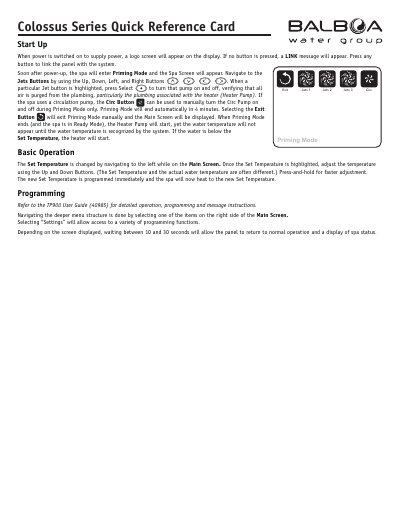
This quick reference card explains how to start up the spa control panel, navigate basic functions, and adjust temperature settings. It includes instructions for priming mode, jet control, and filtration programming. For detailed setup, refer to the TP900 User Guide (40985).
When power is switched on, a logo screen appears. Press any button to link the panel with the system.
Navigate to the left on the Main Screen to highlight the Set Temperature, then use the Up and Down Buttons to adjust it. Press-and-hold for faster adjustment.
The High Range can be set between 80°F and 104°F. The Low Range can be set between 50°F and 99°F.