
Installation and configuration guide for the BACnet China HMI100 2-ARM industrial gateway, covering hardware specs, wiring, and software setup.
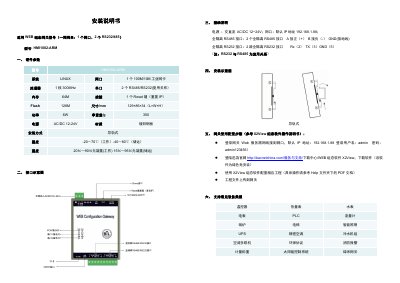
This document serves as an installation and configuration manual for the HMI100 2-ARM industrial gateway. It details the hardware parameters, including the 100M/10M industrial Ethernet port, two RS485/RS232 serial ports, and the 1-core 300MHz processor running on a Linux system. The guide specifies physical dimensions, power requirements (AC/DC 12-24V), and environmental operating conditions. This manual is written in Chinese.
| System | LINUX |
|---|---|
| Processor | 1 core 300MHz |
| Dimensions | 129x86x34 mm |
| Power Supply | AC/DC 12-24V |
| Operating Temperature | -20 to 70 C |
The default IP address is 192.168.1.88.
The username is 'admin' and the password is 'admin123456'.
Long press the Reset button until the gateway beeps 'di-di-di' to restore the default IP.