
This user manual provides instructions for charging, operating, and troubleshooting the B5 wireless Bluetooth headphones.
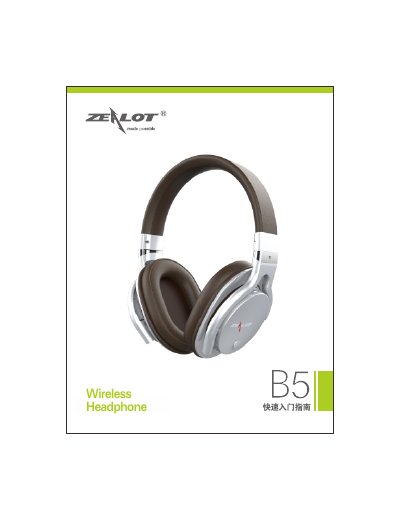
This document serves as a user guide for the B5 wireless Bluetooth headphones. It covers essential topics such as charging the battery, understanding the indicator lights, and operating the device in Bluetooth, TF card, and AUX modes. The manual also details the functions of the various buttons and keys on the headset. This manual is written in Chinese.
| Charging Voltage | 3.7v |
|---|---|
| Dimensions | 160*84*190mm |
| Transmission Distance | 10m |
| Frequency Response | 20HZ-20KHz |
| Working Current | 50mA |
| Signal-to-Noise Ratio | 80dB |
| Weight | 241g |
| Working Voltage | 3.7v |
The red indicator light will turn off when the battery is fully charged.
A 'beep' sound indicates that the battery power is low and needs charging.
The Bluetooth working range between the phone and headphones is approximately 10 meters without obstacles.
Turn the switch to 'ON' until the blue indicator light flashes and a prompt sound is heard.