
This guide provides installation instructions for B&G Vulcan R Series marine electronics devices, including mounting, wiring, and initial setup.
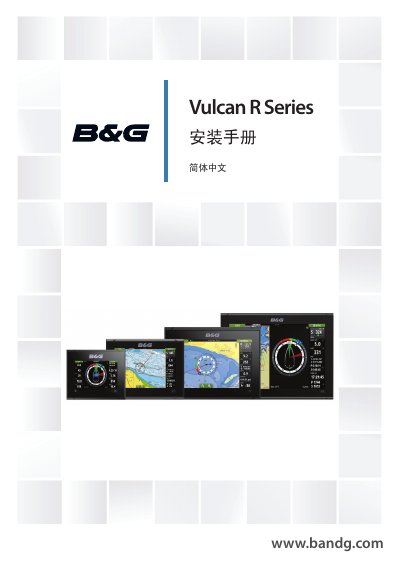
This manual serves as a reference guide for installing B&G Vulcan R Series devices. It covers the contents of the package, including the display unit, mounting kits for various sizes (5, 7, 9, and 12 inches), and necessary cables. The guide details procedures for bracket and panel mounting, sensor installation, and electrical connections for power and control devices. This manual is written in Chinese.
| Resolution | 800 x 480 (5, 7, 9 inch) / 1280 x 800 (12 inch) |
|---|---|
| Screen Type | TFT Wide Screen |
| Brightness | >1200 nits |
| Power Voltage | 12V DC (10 - 17V DC) |
| Recommended Fuse | 3 A |
| Weight (12 inch) | 2.22 kg (4.90 lb) |
The recommended fuse rating is 3 A.
The device operates on 12V DC with a range of 10 to 17V DC.
The official documentation is the English version; other translations may differ.