
Avery Dennison TC9418SOZH System Administrator Manual

This manual provides instructions for system administrators to install, configure, and manage the Avery Dennison TC9418SOZH freshness label printing system.

Avery Dennison TC9418SOZH System Administrator Manual - cover page
Brand
Avery Dennison
Category
Industrial Supply
Document type
User Manual
Language
English
Pages
4
File format
PDF
File size
1 MB
Published
20 October, 2026
Updated
20 October, 2026
MD5 checksum
DD8E352AA7A8B42F4AC77B34B30247C7

About this manual

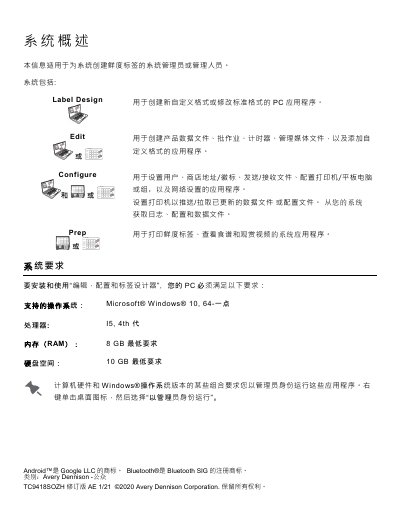
This document serves as a guide for system administrators and managers responsible for the Avery Dennison TC9418SOZH system used for creating freshness labels. It details the system components, including the Label Design, Edit, Configure, and Prep applications, and outlines the necessary PC hardware requirements for installation.

What's inside

  • System Overview
  • System Requirements
  • Installation Steps
  • User Roles
  • OTA Core Updates
  • Tablet System Updates

Frequently asked questions

What operating system and processor are required to run the Edit, Configure, and Label Designer applications?

Your PC must support Microsoft Windows 10, have an I5 4th generation processor, and include at least 8 GB of RAM.

What is the default PIN code to pair a printer with a tablet system?

You must enter the PIN 0000 after selecting model 9442 on the Android Bluetooth settings.

Download PDF (1 MB)

More Avery Dennison Manuals


View all Avery Dennison manuals →