
User guide for Autel's digital inspection camera, showing setup, accessories, and usage with Autel tablets.
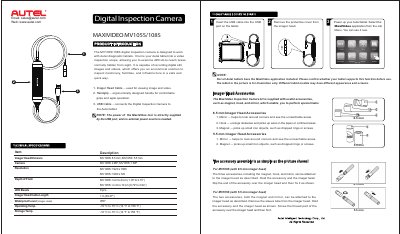
This manual explains how to use the Autel MaxiVideo MV105S/108S digital inspection camera with Autel diagnostic tablets. It includes setup instructions, accessory attachment methods, and technical specifications. The camera allows users to inspect hard-to-reach areas and record still images or videos.
The kit includes an imager head, handgrip, USB cable, and accessories like a magnet, hook, and mirror. The camera is waterproof (IP67) and operates from -10°C to 70°C. It connects via USB to the tablet, which must have the MaxiVideo app installed.
| Imager Head Size | 8.5 mm for MV108S; 5.5 mm for MV105S |
|---|---|
| Camera Resolution | 2 MP for MV108S; 1 MP for MV105S |
| Video Resolution | 1920 x 1080 for MV108S; 1280 x 720 for MV105S |
| Depth of Field | 3 cm to 8 cm for MV108S; 2 cm to 10 cm for MV105S |
| Operating Temperature | -10 °C to 70 °C (14 °F to 158 °F) |
Insert the USB cable into the USB port on the tablet. Power up your Autel tablet and select the MaxiVideo application from the Job Menu.
The kit includes a magnet, hook, and mirror, which can be attached to the imager head to help inspect hard-to-reach areas.