
Quick reference guide for the Autel AutoLink AL329 covering startup, software update, erasing, and vehicle connection.
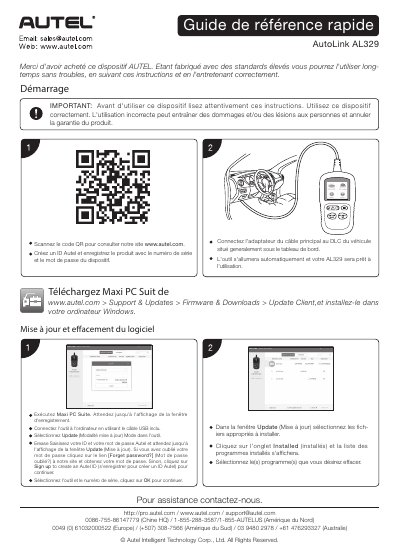
This quick reference guide is for the Autel AutoLink AL329 vehicle diagnostic tool. It explains downloading and running Maxi PC Suite, using an Autel ID, updating or erasing software, and connecting the tool to a vehicle's DLC. This manual is written in French.
Download and run Maxi PC Suite, connect the tool to the computer with the included USB cable, select Update mode, enter your Autel ID and password, select the tool and serial number, then choose the files to install.
Click the Installed tab and select the program or programs you want to erase.
Connect the main cable adapter to the vehicle DLC; the tool powers on automatically.