
AudioQuest Niagara 3000AP quick-start guide covering safety, placement, AC connections, power outlets, and troubleshooting.
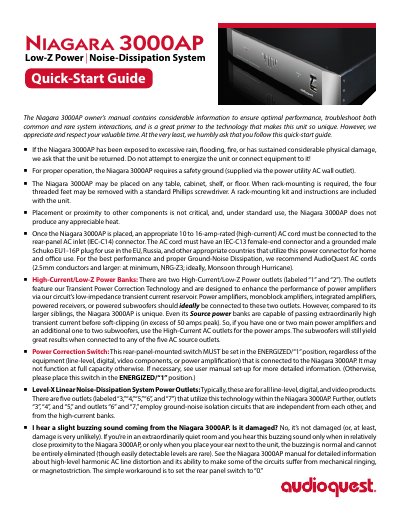
The AudioQuest Niagara 3000AP is a low-Z power and noise-dissipation system. This quick-start guide covers safety warnings, placement and rack-mounting, AC cord connection, outlet assignment, and the power correction switch.
It describes two High-Current/Low-Z outlets and five Level-X outlets, lists the 220–240 VAC 50 Hz 10 amps maximum rating, and gives suggested AC connections for source and power components. It also explains what to do if the unit is exposed to rain or flooding and addresses a slight buzzing sound.
| AC input | 220-240 VAC, 50 Hz |
|---|---|
| Maximum output current | 10 amps RMS |
| High-current outlets | Two outlets, labeled 1 and 2 |
| Level-X outlets | Five outlets, labeled 3, 4, 5, 6, and 7 |
| Rear-panel AC inlet | IEC-C14 |
| Required AC cord rating | 10 to 16 amps, high-current |
| AC cord connectors | IEC-C13 female end and grounded male Schuko EU1-16P plug |
| Transient current | In excess of 50 amps peak |
| Safety ground | Required via the AC wall outlet |
Return the unit and do not energize it or connect equipment to it.
Power amplifiers must be connected to outlets 1 or 2.
It must be set in the ENERGIZED/“1” position.
The buzzing is normal and cannot be entirely eliminated; it does not mean the unit is damaged.