
This manual covers the installation, operation, technical specifications, and troubleshooting for the Asundar ASD968A multi-channel programmable power…
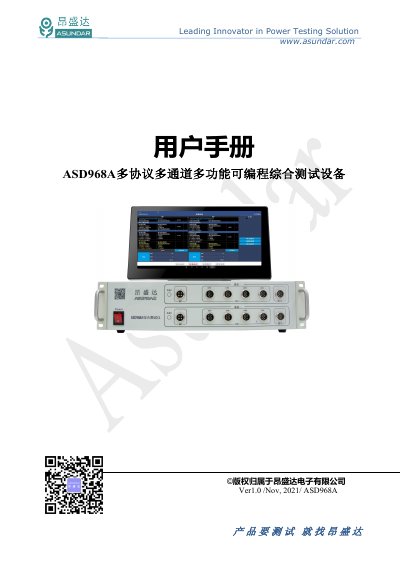
The Asundar ASD968A is a comprehensive testing device designed for functional detection and performance evaluation of external power PCBA and finished products like mobile power banks. It integrates two independent simulated battery modules, two dual-directional power modules supporting QC, PD, Huawei, and Samsung fast charging protocols, and wireless charging receiver modules.
The equipment features a 15.6-inch Android touchscreen interface for upper computer operation. It supports various testing modes including R&D mode, standard automatic testing, and mixed automatic testing to evaluate parameters such as voltage, current, power, ripple, and static current with high precision. This manual is written in Chinese.
| Screen Size | 15.6 inch |
|---|---|
| Operating System | Android4.4.2 |
| Input Voltage | 198~242Vac |
| Input Frequency | 47~63Hz |
| Simulated Battery Voltage Range | 0~20V |
| Simulated Battery Current Range | 0 ~10A |
| Dual Power Load Voltage Range | 0~22V |
| Dual Power Load Current Range | 15A (7A MAX) |
The device requires an AC supply of 100~240Vac at a frequency of 47~63Hz.
The device supports QC, PD, Huawei, and Samsung fast charging protocols.
Check if the power switch is set correctly, ensure the DC plug is inserted firmly, and verify that the communication cable is connected properly.