
This guide explains how to log in, read eBooks, download content, and manage accounts for the Aspen Learning Library iPhone application.
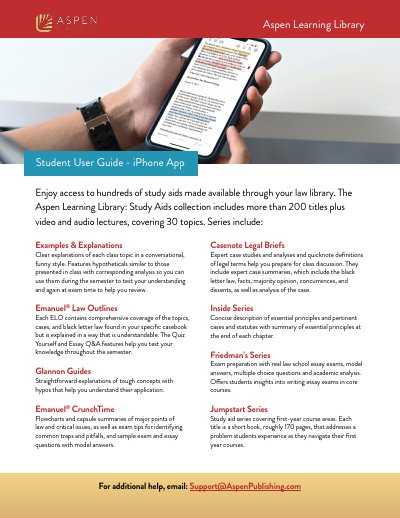
The Aspen Learning Library iPhone App provides access to over 200 study aid titles, including Examples & Explanations, Emanuel Law Outlines, and Glannon Guides. The application supports reading eBooks online or offline and allows users to download content for later use.
| Number of titles | more than 200 titles |
|---|---|
| Topics covered | 30 topics |
| Download retention period | 120 days |
| Print limit from web browser | up to 30% of the book |
No, the iPhone app does not support exporting notes. You must access the library from a web browser to export notes.
You must log in to the institution from a web browser to create a personalized account; this cannot be done from the app.
No, offline viewing of videos is not supported. You must access videos within the app while online.