
Array Networks MotionPro VPN Client User Manual

Installation and usage guide for the MotionPro VPN client on Android and iOS operating systems.

Array Networks MotionPro VPN Client User Manual - cover page
Brand
Array Networks
Category
Other Computer Accessories
Document type
User Manual
Language
Chinese
Pages
6
File format
PDF
File size
316 KB
Published
17 October, 2026
Updated
17 October, 2026
MD5 checksum
B814693BBFD8169DE72AB2B08F27AA7B

About this manual

This manual provides instructions for installing and configuring the MotionPro VPN client on Android and iOS devices. It covers downloading the application, adding gateway information, and logging in using a student or employee ID and password. This manual is written in Chinese.

What's inside

  • Android Installation
  • iOS Installation
  • Gateway Configuration
  • Login Process
  • Connection Status
  • Resource Access

Frequently asked questions

How do I install the MotionPro VPN client on an Android device?

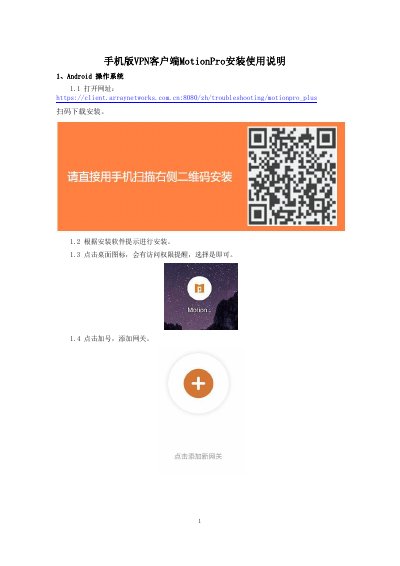
Open the specified URL to scan a QR code for download and installation, then follow the on-screen prompts to complete the setup.

What credentials are required to log in to the MotionPro VPN?

Use your student ID or employee number as the username and the same password used for the service hall.

How can I access school resources after connecting to the MotionPro VPN?

You can access faculty and student resources, or open your phone's browser to enter the URL of the required school resource.

Download PDF (316 KB)