
This guide covers the installation, configuration, and specifications for the Arista Networks CCA-ETM-Q6 Edge Threat Management Appliance.
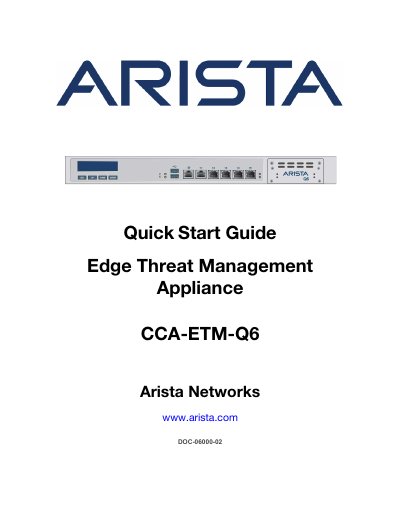
The document serves as a quick start guide for properly trained service personnel to install the Arista Networks CCA-ETM-Q6 Edge Threat Management Appliance. It outlines the scope of installation, safety precautions, and the necessary steps from receiving the equipment to configuring it for use.
Key sections include site selection criteria such as temperature limits (0°C to 40°C) and airflow orientation, along with a list of required tools like a Phillips #1 screwdriver. The guide details the mounting process using provided brackets in a 19" rack and provides specifications for power input and environmental conditions.
| Appliance Size (W x D x H) | 438mm x 300mm x 44mm |
|---|---|
| Operating Temperature | 0°C to 40°C |
| Storage Temperature | -10°C to 70°C |
| Operating Altitude | Sea level to 2000 meters |
| Relative Humidity (Operation) | 20 to 85% |
| Power Source Ratings | 100-240V, 1.5-2.5A, 50-60Hz |
| Rack Unit Height | 1 RU |
A Phillips #1 screwdriver is the only tool listed as required for installation.
Yes, but when mounting in a partially filled rack, you must load the rack from bottom to top with the heaviest equipment at the bottom.
The ambient temperature should not exceed 40°C (104°F) to prevent overheating.