
This manual covers the installation, license management, and usage of Arction LightningChart .NET components for creating charts in C# and Visual Basic .NET…
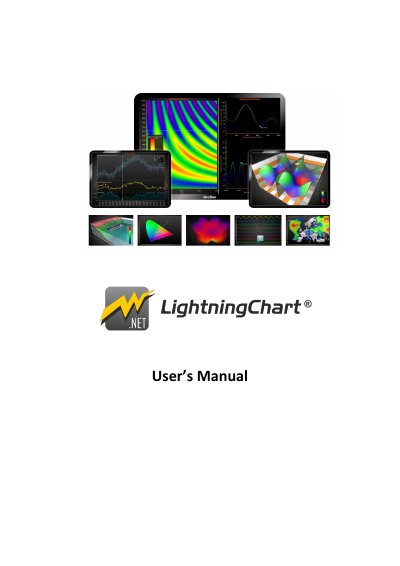
This document serves as a brief user's manual and reference guide for Arction LightningChart® .NET version 10.0. It explains essential key features required to integrate the charting libraries into Windows Forms, WPF, UWP, and Blend projects using C# or Visual Basic .NET.
The guide details the installation process, license management procedures including floating licenses and deployment keys, and provides instructions on creating charts in code versus via the toolbox. It covers various chart types such as line series, area series, stock series, maps, and 3D models, along with configuration options for axes, zooming, panning, and annotations.
| Supported Languages | C# and Visual Basic .NET |
|---|---|
| Document Version | rev. 10.0 |
The manual provides code examples in C# and Visual Basic .NET.
The components support Windows Forms, WPF, UWP, and Blend projects.