
This manual provides instructions for setting up, using, and maintaining the Apricorn Aegis Secure Key 3 NX, including PIN management, LED states, and…
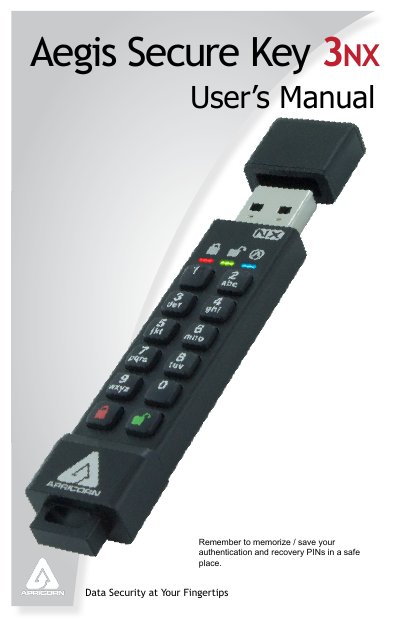
The Apricorn Aegis Secure Key 3 NX is a secure USB storage device that requires a Personal Identification Number (PIN) for access. The device features an internal rechargeable battery and includes robust security measures such as brute-force protection and self-destruct capabilities for the PIN. It supports both Admin and User modes to manage access rights and data encryption settings.
| PIN Length | 7 to 16 digits |
|---|---|
| Battery Type | Internal rechargeable battery |
| Charging Time | 80 minutes |
| Max Users | Two (one Admin, one User) |
Press the button once to wake the key; the RED LED will glow solidly.
A blinking GREEN LED indicates that the key is unlocked and ready for use.
It is recommended to plug the key into a powered USB port for 80 minutes to fully charge the battery before initial use.