
The Anviz W3 Smart Face Recognition Terminal User Guide explains how to install, operate, and configure the W3 face recognition terminal for attendance and…
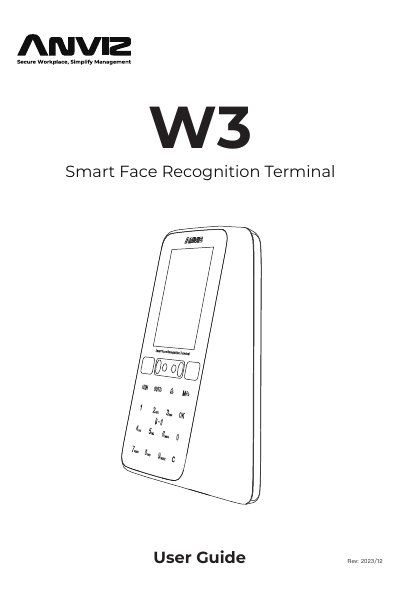
The Anviz W3 Smart Face Recognition Terminal is a facial attendance and access control device in the W series, targeted at mid-to-low-end market applications such as office environments. It features a 2.8-inch screen, supports up to 200 facial users, and offers verification methods including password, card, and facial recognition.
This user guide covers product introduction, device operation, settings, advanced functions, network setup, user management, installation, wiring, safety instructions, and warranty information. It explains how to enroll faces, add or delete users, set verification modes, and configure time attendance shifts.
| Screen size | 2.8-inch |
|---|---|
| Facial user capacity | 200 users |
| Verification methods | Password, card, facial recognition |
| Recommended power | DC 12V 2A |
| Best performance temperature | 15°C~32°C (59~89.6°F) |
| Operating environment | Indoor |
The default administrator account ID is 0 and the password is 12345.
The W3 supports up to 200 facial users.
The recommended power is DC 12V 2A.
It supports password, card, and facial recognition.