
The AnaBat SD2 Compact Flash Bat Detector User Manual provides setup, operation, troubleshooting, and maintenance instructions.
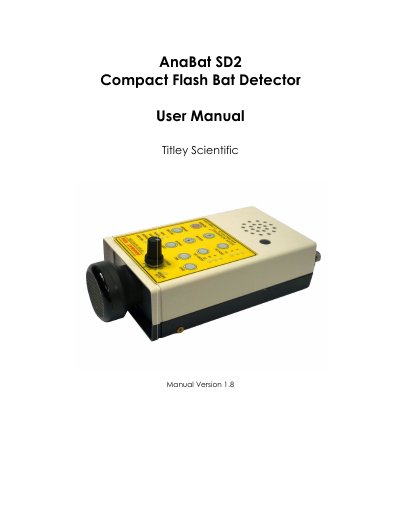
This manual explains how to set up and use the AnaBat SD2 Compact Flash Bat Detector, covering hardware components, power options, USB and serial connections, and the new features compared with the SD1 model. It includes detailed instructions for passive and active monitoring, GPS integration, Bluetooth modules, and data management on Compact Flash cards.
The guide also describes the operating modes indicated by LEDs, firmware upgrade procedures, real‑time clock configuration, and provides troubleshooting tips and a FAQ section that clarifies how the detector records bat calls and when files are saved.
| Battery type | Four AA batteries |
|---|---|
| Serial port power output | Pin 9 supplies power from the four AA batteries |
| USB connectivity | USB port for PC or PDA connection |
The detector saves all ultrasonic signals to the DATA.DAT file on the CF card; the CFCread program or AnaPocket on the PDA determines which signals are bat calls based on user‑set parameters.