
User manual for the American DJ Mega Pixel Arch intelligent LED display fixture, covering setup, DMX-512 configuration, system menu functions, and safety…
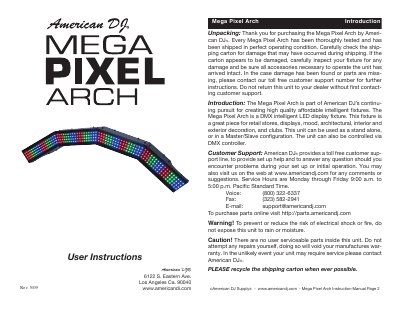
This manual provides instructions for the American DJ Mega Pixel Arch, an intelligent LED display fixture designed for retail, architectural, and club decoration. It details the unboxing process, safety precautions, and general operating instructions for the unit, which supports RGB color mixing, strobe effects, and electronic dimming. The fixture can operate in standalone, Master/Slave, or DMX-controlled modes.
| Voltage Versions | 120v and 220v |
|---|---|
| DMX Channels | 3, 4, 7, 10, 16, 24, or 28 |
| Warranty Duration | 3 year (1095 days) |
| Termination Resistance | 120 Ohm 1/4 W |
No, the unit is intended for indoor use only, and using it outdoors voids all warranties.
A standard 3-pin XLR connector is required for data input and output.
Tap the MENU button until 'Addr' is displayed, press ENTER, and the display will automatically set the DMX Address.