
User manual and quick start guide for the Amber AVC 440 C440 Multi-Channel 4G DashCam, covering installation, features, and troubleshooting.
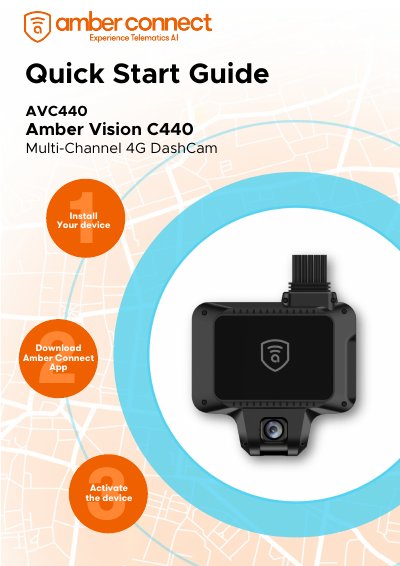
This document serves as a quick start guide and user manual for the Amber AVC 440 C440 Multi-Channel 4G DashCam. It provides instructions on downloading the Amber Connect App, installing the device, and activating it. The guide details the product's appearance, including pin descriptions for the front camera, speaker, wire harness, and various ports like the SIM card slot and memory card slots.
| Running memory | 2GB |
|---|---|
| Built-in storage | 8GB |
| Mobile network | 4G LTE |
| Weight | 323g |
| Size | 106×113×33 (mm) |
| Working voltage | 9-30V |
| Working temperature | –20˚C -70˚C |
| Overvoltage protection | 36V |
| Bluetooth | BT4.0 |
The device operates within a working voltage range of 9-30V.
The device supports Micro SD(TF) cards with a capacity between 16GB and 256GB.
Yes, the device can support up to two Micro SD(TF) cards simultaneously.
The device enters sleep mode when all three LEDs are off.