
Alpine DVA-5210E user manual provides operating instructions, safety warnings, installation steps and specifications for the car DVD video player.
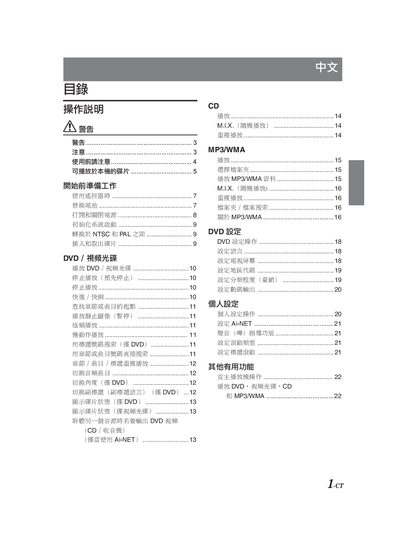
This manual explains how to install, connect, and operate the Alpine DVA-5210E DVD video player in a vehicle. It covers safety warnings, remote‑control usage, disc compatibility, and system settings such as NTSC/PAL conversion and Ai‑NET configuration.
The guide also details how to replace the remote‑control battery, clean and handle discs, and use advanced functions like M.I.X. playback, subtitle selection, and angle switching. Installation instructions include wiring, mounting restrictions, and recommended operating temperature ranges. This manual is written in Chinese.
| Power Supply | 12 V automotive (negative ground) |
|---|---|
| Operating Temperature | +60 °C to -10 °C |
| Supported DVD Disc Types | DVD‑ROM, DVD‑RAM, DVD‑+R, DVD‑+RW |
| Supported CD Disc Types | CD‑ROM, CD‑R, CD‑RW, MP3/WMA files |
| Remote Control Battery Type | CR2025 or equivalent |
No. The manual warns that watching video while driving can distract the driver and cause accidents.
Press and hold the power button for at least 2 seconds; the system will toggle between NTSC and PAL.