
This guide explains how to install and configure VPN clients on Mac and iOS devices to remotely access Alfa machines using OpenVPN.
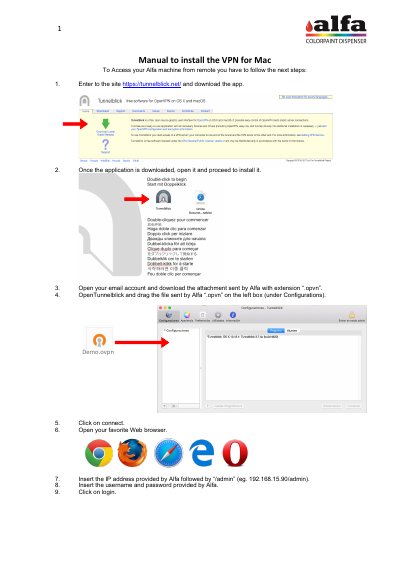
The document provides step-by-step instructions for setting up a VPN connection to access Alfa machines remotely. For Mac users, it describes downloading Tunnelblick, installing the .ovpn configuration file sent by Alfa, connecting, and logging in via a web browser using the provided IP address, username, and password.
For iPhone and iPad users, the guide covers downloading the OpenVPN Connect app from the App Store, importing the .ovpn attachment from email, enabling the VPN connection, and accessing the Alfa machine's admin interface through a web browser. It also includes steps to disconnect and reconnect the VPN.
Alfa sends an attachment with the extension “.opvn”.
Insert the IP address provided by Alfa followed by “/admin”, for example 192.168.15.90/admin.
Go back to the Open VPN application and tap the switch under “Connected”.
Use Tunnelblick; drag the .opvn file sent by Alfa onto the left box under Configurations.