
Step-by-step guide to install and configure Lutron Caseta Smart Bridge Pro with Alarm.com account.
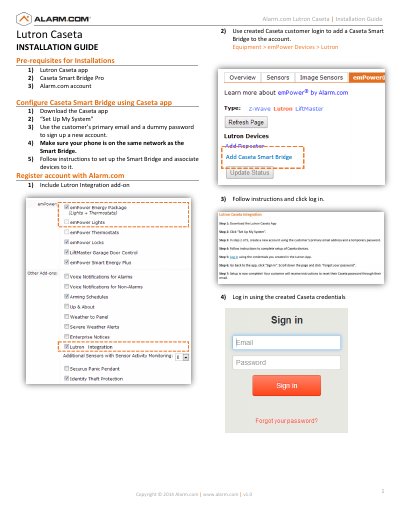
This guide walks you through downloading the Caseta app, setting up the Smart Bridge, and registering it with your Alarm.com account. It includes steps to authorize the integration and test device functionality.
The guide assumes you have the Caseta app, Smart Bridge Pro, and an Alarm.com account ready for setup. This manual is written in Chinese.
Download the Caseta app from the app store on your phone.
Use the customer’s primary email and a dummy password to sign up a new account.