
Spanish user manual for AKO Darwin thermometers and temperature controllers (E D144H001), covering configuration, operation, wiring and parameters.
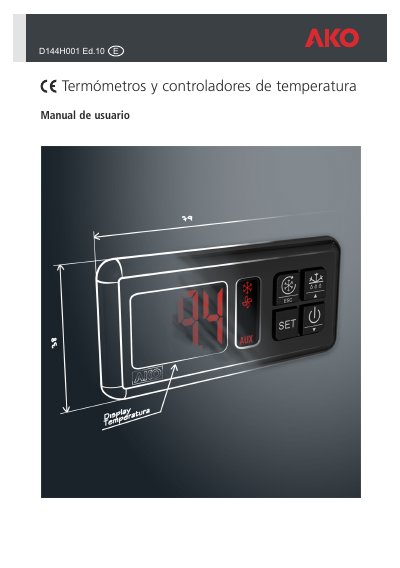
This Spanish-language user manual (reference E D144H001, Ed.10) from AKO Electromecànica covers the Darwin range of thermometers and temperature controllers for refrigeration equipment such as wall units, islands and display cabinets. The range includes SLIM models for tight spaces, STANDARD models with more output relays and switching power, and extended-frame models with two auxiliary switches.
The manual describes the keypad and display messages, initial configuration with the setup assistant, compressor, defrost, fan and light control, gas pump-down (recogida de gas), alarms, wiring for thermometers and 1- to 4-relay controllers, MODBUS connectivity, parameter programming and technical specifications. It lists available models from AKO-D14012 thermometers up to AKO-D14423-P-RC controllers and states that installation and servicing must be carried out by qualified personnel only. This manual is written in Spanish.
| NTC probe temperature range | -50 to 99 ºC |
|---|---|
| PTC probe temperature range | -50 to 150 ºC |
| Protection | Integrated front gasket for high IP protection (AKO-D14xxx models) |
Press the key for 5 seconds to activate Stand-by; press for 2 seconds to return to normal mode. In Stand-by the unit performs no action and only the indicator is shown.
The display shows a probe 1, 2 or 3 failure message when the circuit is open, crossed, or the temperature is outside the NTC (-50 to 99 ºC) or PTC (-50 to 150 ºC) probe limits.
Press the corresponding key for 5 seconds to start or stop the defrost cycle.
Press the SET key for 10 seconds to enter the programming menu; if the access code function is configured as keypad lock (P2=2), the code set in L5 will be requested.