
Quick setup guide for Akai Professional MPK mini MIDI controller with USB connection, DAW integration, and feature descriptions.
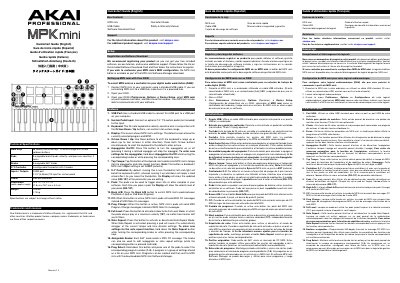
This guide helps you set up the Akai Professional MPK mini MIDI controller with your computer and digital audio workstation. It covers connecting via USB, configuring your DAW, and using the controller’s features like velocity-sensitive keys, pads, knobs, and X-Y controller. The guide also includes instructions for software download and registration to access free tools and support.
The MPK mini includes 25 velocity-sensitive keys, 8 backlit pads, 8 knobs, and a 4-axis X-Y controller. It connects via USB and can be powered through the same port. The controller supports MIDI CC messages, program changes, and note repeat functions, with customizable settings via the included software manager. This manual is written in Chinese.
| Keys | 25 velocity-sensitive keys; 10-octave range with octave up/down buttons |
|---|---|
| Pads | 8 assignable backlit pads, velocity- and pressure-sensitive; 2 banks |
| Knobs | 8 assignable 360º knobs |
| X-Y Controller | 1 configurable thumbstick with 3 modes |
| Inputs / Outputs | 1 USB port 1 1/4" (6.35mm) TS input for sustain pedal |
| Power | USB-bus-powered |
| Dimensions | 12.5" x 7.13" x 1.75" 31.8 cm x 18.1 cm x 4.4 cm |
| Weight | 1.65 lbs. 0.75 kg |
Connect the MPK mini to your computer using a standard USB cable. If using a USB hub, ensure it is powered.
The box contains the MPK mini, a USB cable, a software download card, a quickstart guide, and a safety and warranty manual.
The MPK mini is 12.5" x 7.13" x 1.75" (31.8 cm x 18.1 cm x 4.4 cm).
The keyboard has 25 velocity-sensitive keys.