
User guide for the Airvana CDMA femtocell covering setup, LED status, troubleshooting, maintenance, and safety information.
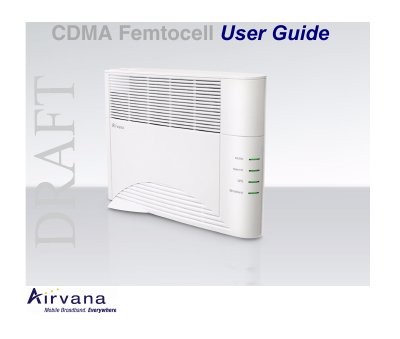
This guide introduces the Airvana CDMA femtocell and its features, with tips for getting started and troubleshooting installation issues. It covers setup steps, optional components, router configuration, how the femtocell works, broadband speed, maintenance, LED indicators, FAQs, and safety and FCC information.
The guide also explains readiness indicators, such as solid green Broadband, GPS, Network, and Mobile LEDs, and notes that initial setup can take up to two hours.
It is ready when the Broadband, GPS, Network, and Mobile LEDs are solid green.
It may take up to 2 hours if the GPS antenna is not near a window.
You will hear three short beeps when placing or answering calls.
Place it close to a window and in a central location, preferably elevated.