
AIMCO AUET & AUET/MTM Desktop Torque Tester Quick Start Guide

A quick start guide for the AIMCO AUET & AUET/MTM Desktop Torque Tester, covering safety, operation modes, and transducer setup.
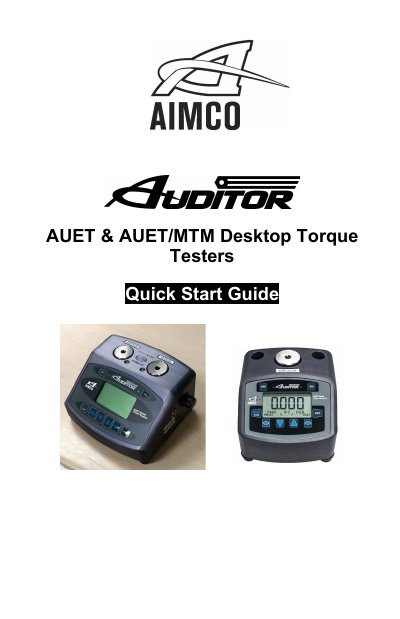

AIMCO AUET & AUET/MTM Desktop Torque Tester Quick Start Guide - cover page
Brand
Aimco
Category
Other Electronics
Document type
Quick Start Guide
Language
English
Pages
8
File format
PDF
File size
461 KB
Published
22 November, 2026
Updated
22 November, 2026
MD5 checksum
0C6FFD6B71EE08B5898F412D1948A749

About this manual

This document serves as a Quick Start Guide for the AIMCO AUET & AUET/MTM Desktop Torque Tester. It provides essential instructions for turning the unit on and off, navigating the screen and button functions, and selecting the appropriate operating modes for various tools. The guide explains how to configure engineering units and utilize the Sign Lock feature for accurate torque readings.

What's inside

  • Screen and Button Diagram
  • Basic Functions
  • Operating Modes
  • Engineering Units
  • Sign Lock
  • Charging the Auditor
  • RUN MODE
  • Setup of External Transducer

Frequently asked questions

How do I charge the AUET & AUET/MTM?

Plug the 100-240 VAC Charger into the DC Power Supply port and then plug the charger into a power outlet.

What does the PEAK mode do?

This mode provides a display of the maximum torque value achieved by the tool during operation.

Download PDF (461 KB)

More Aimco Manuals


View all Aimco manuals →