
This user guide covers installation, operation, firmware updates, and troubleshooting for the Ag Leader GPS 7500 GNSS receiver.
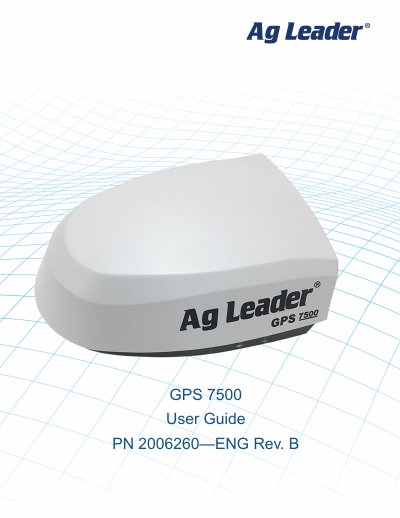
The Ag Leader GPS 7500 is a GNSS receiver designed for mobile applications. This manual provides instructions on physical installation, including connector pin-outs and power supply requirements, as well as LED status indicators.
The guide details operational procedures such as transmitting and receiving corrections, managing firmware updates via the WinLoad Utility or AUTH command, and transferring firmware files. It also includes sections on warranty information, regulatory notices (FCC, CE), and troubleshooting.
| Product Type | GNSS Receiver |
|---|---|
| Warranty Period | 2 years |
| Wi-Fi Standard | 802.11b/g/n |
| Operational Frequency | 2400 MHz to 2480 MHz |
| Rated Power | 13.4 dBm e.i.r.p |
The Ag Leader warrants that its GNSS products are free from defects in materials and workmanship for a time period of 2 years.
At least 20 cm (8 inches) of separation must be maintained at all times due to mobile application authorization.
Shielded cables, such as Belden 1036A or equivalent, should be used to maintain compliance.