
Adobe Photoshop CS6 Basic User Manual

A basic user manual for Adobe Photoshop CS6 covering the workspace, non-destructive editing, selections, synthetic images, creative effects, and Camera Raw…
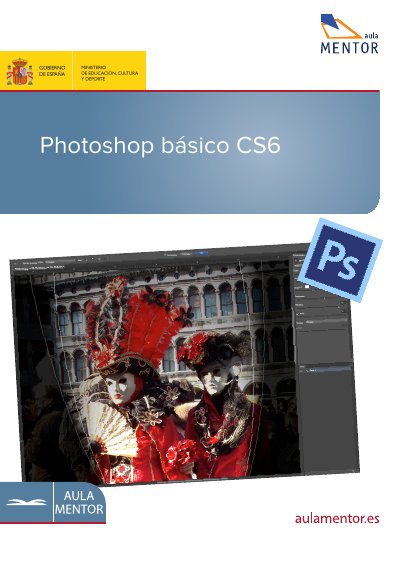

Adobe Photoshop CS6 Basic User Manual - cover page
Brand
Adobe
Document type
User Manual
Language
Spanish
Pages
19
File format
PDF
File size
1.5 MB
Published
24 October, 2026
Updated
24 October, 2026
Model
CS6
MD5 checksum
F436208E870CA80BA77EFE525969E4B9

About this manual

This manual serves as a basic guide for Adobe Photoshop CS6, designed to teach users the fundamental aspects of the software. It begins with a guided tour of the workspace and explains the core concept of non-destructive editing through layers. The text provides step-by-step instructions on creating textures and managing files. This manual is written in Spanish.

What's inside

  • Introduction
  • Workspace Tour
  • Layers and Non-Destructive Editing
  • Selections and Masks
  • Synthetic Images and Creative Effects
  • Basic Workflow
  • Adobe Bridge Management
  • Image Analysis and Adjustments
  • Camera Raw Workflow
  • Recovering the Environment

Frequently asked questions

How do I restore Photoshop CS6 to its original factory settings?

To restore factory settings, close the program, hold Alt + Shift + Ctrl, and click the Photoshop shortcut icon while keeping the keys pressed until the alert window appears.

What happens if I accidentally change my tool settings or panel layout?

Photoshop saves these changes to a preferences file, so your workspace will not match the manual until you restore the initial settings.

What file format is used for the automatic recovery file if Photoshop closes unexpectedly?

The temporary recovery file is saved in the .psb format inside the AutoRecover folder.

Download PDF (1.5 MB)

More Adobe Manuals


View all Adobe manuals →