
User guide for Acer Chromebook Spin 13 CP713-1WN covering setup, features, and Chrome OS usage.
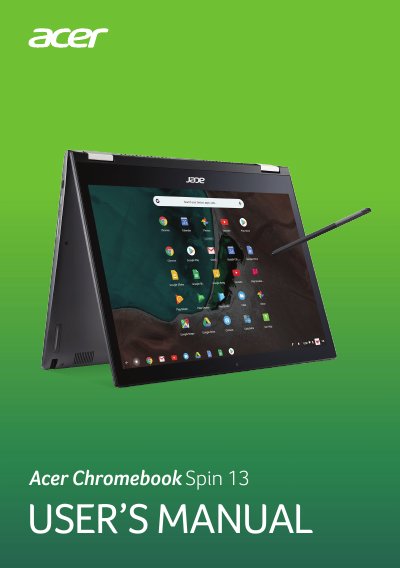
This manual guides users through setting up the Acer Chromebook Spin 13 CP713-1WN, including turning it on, selecting language, connecting to Wi-Fi, signing in, and navigating the device’s interface. It covers using the touchscreen, touchpad, keyboard, and stylus, as well as managing apps, files, and settings. Sections also explain how to update Chrome OS, set up a printer via Google Cloud Print, and reset the device using Powerwash.
The guide includes detailed descriptions of hardware components, common shortcuts, and troubleshooting tips for everyday use, such as browsing offline, using Google Drive, and managing apps and extensions.
The model number is CP713-1WN.
Enter your email and select Sign in.
It delivers up to 3 A at 5 V DC for USB charging.
Select Settings icon, then About Chrome OS, then CHECK FOR UPDATES.